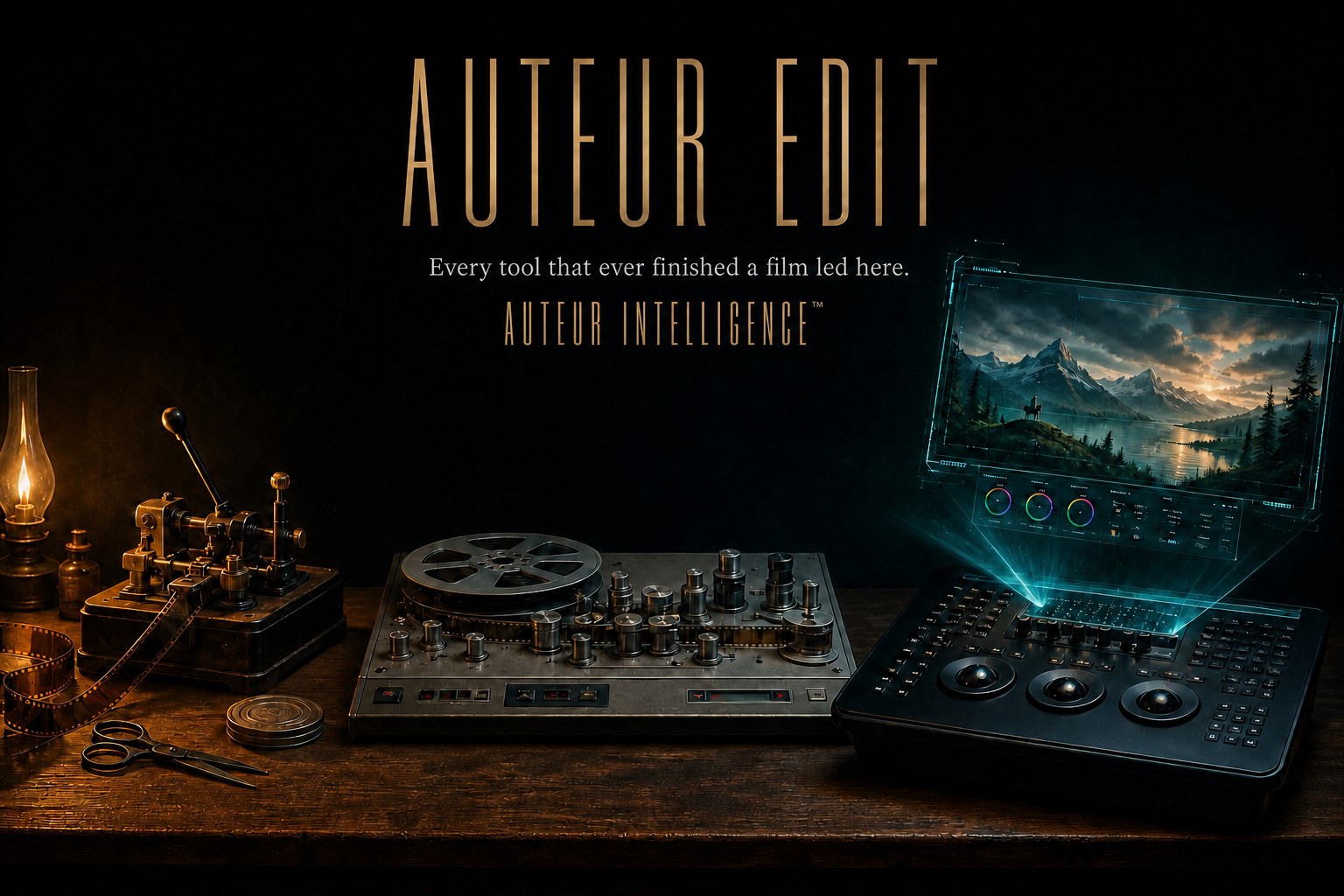
Auteur Edit
Run your DaVinci Resolve edit by asking for what you want. Auteur Edit is a safe, plain-language assistant that works inside Resolve: it brings your AI-generated shots and your real footage into one timeline, makes the changes you ask for, and keeps a record of every one. It never touches your work without staging it first, and it holds anything destructive for your approval. It also reads the timeline back, so the project always knows exactly what is in the cut.
For people who already live in Resolve and want AI help to arrive the same careful way they work: a plan before any change, nothing overwritten, everything logged.
Who it's for
Post professionals, editors, colorists, and VFX artists working in DaVinci Resolve, running AI-assisted finishing on real footage.
By filmmakers, for filmmakers
This application was designed and built from the ground up by professional filmmakers, writers, and working professionals who use AI in real-world scenarios in their daily workflows, and who needed better, more reliable solutions than the market offered. Its founder has spent over 25 years in the film industry as a writer, director, and editor of award-winning feature narrative films and documentaries.
“Send this Resolve scene through ACE Studio for a complete Foley pass. Match the sounds to each shot, then return the finished Foley to the correct Resolve bins.”
No Resolve? The AV Canvas
Not every cut needs a grading suite. The AV Canvas is the studio's own project-aware timeline, picture and multi-track audio, assembled, reviewed, and staged entirely inside the app, on the desktop or the deck, with no Resolve installation required. It speaks the same canon and carries the same receipts, and when a project graduates to Resolve finishing, the work rides along instead of starting over.
The project organizer
Auteur Edit is the edit's librarian as much as its engineer: it organizes the project, round-trips assets between the studio and Resolve in both directions, and writes custom metadata through everything it touches, so an asset stays trackable wherever it travels and findable the moment the edit needs it.
“Pull the selects with the gold marker, assemble them in script order on a fresh timeline, and stack the alternates under the best takes.”
Work where you like
Choose your cockpit. A workspace integration plugin brings the AI generation and the Resolve automations inside Resolve itself; Control Deck carries them to the tablet; Telegram answers on the go; the desktop app holds the full studio, or hand the reins to the harness you already use and let it drive the recipe catalog, 42 Resolve recipes and 25 provider-side finishing recipes today, inside a studio of five-hundred-plus catalogued operations, while you stay on the vision and off the repetitive work.
The audio bench
The finishing suite extends to sound: Ace Studio, ElevenLabs, and Fish Audio connect for batch-produced music, narration, dialogue ADR, and Foley, and Wavespeed alongside local engines covers SFX and Foley generation. Audio lanes carry the same staging and receipts as picture.
Constructive, never destructive
The timeline is sacred. Every automated operation is staged, previewed, and approved before it lands; destructive steps stay behind explicit gates, and the readback verifies that what happened is what you approved. The engine works constructively on your cut, it does not gamble with it.
Deep in DaVinci Resolve
Most Resolve integrations you will meet are surface work: an AI generator wired to a bin drop, with no memory of placement, metadata, structure, or story. Auteur Edit is the opposite. It does not sit beside Resolve, it works inside it, through a catalog of purpose-built automation recipes, each staged and approved rather than fired blind at your timeline, proven on our own long-form projects with media libraries seventeen hundred items deep:
- Edit, timeline recipes: track organization, bin discipline, selects by marker color, and staged assembly passes that keep the cut reviewable.
- Fusion, compositing assistance including object tracking and motion work, driven in plain language.
- Fairlight, audio-prep recipes: lane organization on a named track schema, stem export, and masking-aware music ducking, with the limits of Resolve's scripting surface printed honestly on the panel.
- Color, staged color moves that respect the grade you have built.
- Motion, motion-graphics work in the same governed lane; packaging for setups without Resolve is carried by the status registry.
The lane also answers from the couch: through Control Deck, step, shuttle, edit shortcuts, bounded color touches, and staged agentic runs all drive Resolve wirelessly from a tablet, under the same approvals, recipes fire from the studio and the deck approves the runs.
The engine also watches the work with you. Retrieval-backed visual memory and vision and audio models, local or hosted, your choice, check that what is on the timeline is what you intended: the right take, the right read, the right frame, flagged when they drift from the approved material.
What it solves
Generated media usually lands in the timeline as a pile of files with no provenance and no guardrails. Edit brings it into Resolve with explicit staging, protected operations, and readback, so what enters the media pool is reviewable and what changes is deliberate.
How it works
Generated and traditional media arrive in DaVinci Resolve through a governed bridge: what enters the media pool is staged and reviewable, protected operations keep changes deliberate, and every change reads back with a receipt. Localized finishing, replacing a region while foreground detail is protected, or placing tracked content on a screen while its reflections and occlusions hold, packages cleanly for Resolve.
Workspaces included
- Resolve integration, a governed bridge into DaVinci Resolve with protected mutations and readback.
- VFX Matte Builder, tracked mattes for localized replacement that protect the foreground, with correction keyframes and package manifests.
- Exact Screen Finishing, tracked moving content on screens, with review overlays and refusal of invalid tracks.
- Motion Control, motion guides, depth, pose, masks, upscale, and stabilization feeding generation, VFX, and finishing.
Embedded from other products
Edit does not fold another paid product inside it. It is the professional post lane that Film hands finished-media work to, and it is included in Studio.
Moving up
Media generated in Film and Game is what Edit finishes, and Studio carries Edit inside the bundle.
Where it runs
Edit runs beside your own DaVinci Resolve, on your machine.
Demonstrated
Tracked mattes and screen finishing have been used on real footage, including live phone burn-in work, with results imported into Resolve, recent, dated production evidence rather than a staged demo.
Current limitations
Compatibility is stated by named DaVinci Resolve build, never as universal.
Related products
Questions
Which media can I bring into it? Media generated in Film and Game, plus traditional footage, all land in the same governed Resolve workflow.
What keeps it from breaking my project? Protected operations, explicit staging, and readback: changes are deliberate and reviewable, and invalid tracks are refused rather than forced.
Take the next step
Request Invitation, /founding-beta/?track=invite. A request for an invitation to the design-partner program; this starts a conversation with us, and seats, when offered, are paid.
Proof
Every claim on this page traces to the product status registry, with evidence in live Resolve canaries, commits, and tests, last verified 2026-08-28. The receipts behind it are claims FILM-009–012.